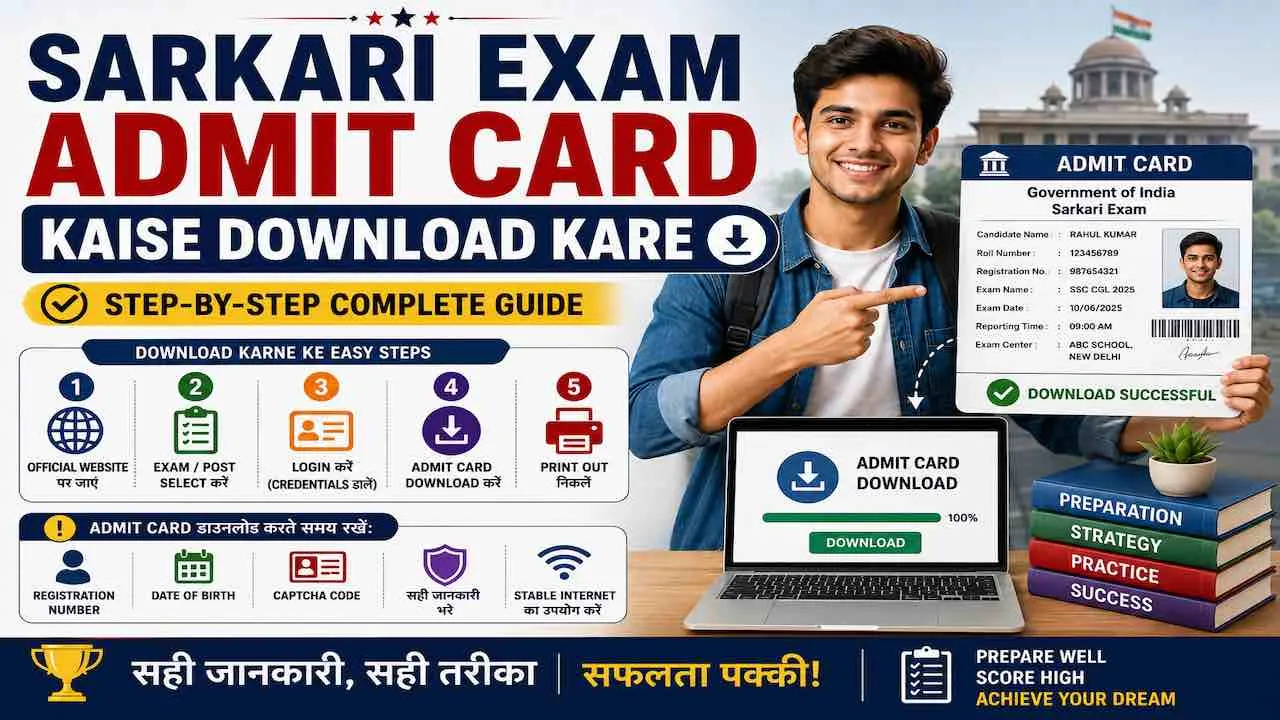
Sarkari exam admit card download करने के लिए official website पर जाएं, Admit Card या Hall Ticket section खोलें, registration number और date of birth enter करें, और PDF download कर लें। पूरी process 5 minutes में होती है। Admit card नहीं मिलने से exam miss हो सकता है, इसलिए admit card release date के पहले दिन ही download कर लें। पहली बार apply करने वाले candidates के लिए नीचे हर step detail में और exam-wise official websites की list दी गई है।
Admit Card Download करने के लिए क्या चाहिए
Sarkari exam hall ticket download करने से पहले ये 3 चीज़ें ready रखें। इनके बिना admit card नहीं मिलेगा।
| ज़रूरी चीज़ | कहाँ मिलेगी | Format |
|---|---|---|
| Registration Number / Application Number | Apply करते समय मिला confirmation email या SMS | 8 से 16 digits (exam के अनुसार अलग) |
| Date of Birth | अपना जन्म date जो application form में भरी थी | DD/MM/YYYY format में |
| Password (कुछ exams में) | Registration के समय set किया हुआ password | Alphanumeric, exam-specific |
SSC, RRB, IBPS और UP Police जैसे अधिकतर exams में registration number और date of birth से admit card मिलता है। UPSC और कुछ state exams में password भी माँगा जाता है।
Sarkari Exam Admit Card Download करने के Steps
यह general process लगभग सभी sarkari exams पर काम करती है। Exam-wise specific websites नीचे table में दी गई हैं।
Step 1: Official Website खोलें
हमेशा exam की official website पर जाएं। Google पर “SSC admit card 2025” जैसे search से मिलने वाले unofficial links पर कभी login credentials enter न करें। Official website की list नीचे दी गई है।
Step 2: Admit Card Section ढूंढें
Homepage पर “Admit Card”, “Hall Ticket”, “Call Letter”, “e-Admit Card” या “Download Admit Card” में से कोई एक link मिलेगी। कुछ websites पर यह “Latest Notifications” या “What’s New” section में होती है।
Step 3: Exam और Post Select करें
जिस exam के लिए apply किया है उसे select करें। SSC और RRB जैसे boards पर एक साथ कई exams के admit cards होते हैं, इसलिए सही exam और post का नाम ध्यान से चुनें।
Step 4: Login Credentials Enter करें
Registration number और date of birth enter करें। Date of birth हमेशा DD/MM/YYYY format में enter करें, जैसे 15/08/1998। कुछ portals पर YYYY-MM-DD format माँगा जाता है। Wrong format enter करने पर “Invalid DOB” error आता है।
Step 5: Captcha और Submit
Screen पर दिखा captcha carefully fill करें। Captcha case-sensitive होता है। Submit button press करें।
Step 6: Admit Card Screen पर Check करें
Submit करने के बाद admit card screen पर दिखेगा। Download से पहले इन 6 चीज़ों को ध्यान से verify करें।
- नाम: Application form में भरे नाम से exact match होना चाहिए
- Roll Number: यह exam day पर सबसे important होता है
- Photo और Signature: Clear और recognizable होने चाहिए
- Exam Date और Time: Reporting time और exam start time दोनों check करें
- Exam Center का नाम और पता: Map पर locate कर लें, exam से 2 दिन पहले
- Important Instructions: Dress code, prohibited items, entry time rules
Step 7: PDF Download करें
“Download” या “Print” button press करें और admit card PDF form में save करें। PDF को mobile और laptop दोनों में save करें। Cloud storage जैसे Google Drive पर भी upload करें ताकि phone खराब होने पर भी access रहे।
Step 8: Print निकालें
Admit card की कम से कम 2 copies print करें। Color print करना better है क्योंकि photo और signature clearly दिखते हैं। Black and white print भी valid होती है लेकिन photo clear होनी चाहिए। A4 size paper पर print करें।
Sarkari Exam-wise Official Admit Card Download Websites
हर sarkari exam का admit card उसकी अपनी official website पर release होता है। नीचे India के सबसे popular government exams की official download websites दी गई हैं।
| Exam | Conducting Body | Official Admit Card Website |
|---|---|---|
| SSC CGL, CHSL, MTS, GD | Staff Selection Commission | ssc.gov.in |
| UPSC CSE, CDS, CAPF | Union Public Service Commission | upsc.gov.in |
| RRB NTPC, Group D, ALP, JE | Railway Recruitment Boards | indianrailways.gov.in / Zonal RRB site |
| IBPS PO, Clerk, SO, RRB | Institute of Banking Personnel Selection | ibps.in |
| SBI PO, Clerk | State Bank of India | bank.sbi / sbi.co.in/careers |
| UP Police SI, Constable | UPPRPB | uppbpb.gov.in |
| Bihar Police, BPSC | BPSC / CSBC | bpsc.bih.nic.in / csbc.bih.nic.in |
| RBI Grade B, Assistant | Reserve Bank of India | rbi.org.in / opportunities.rbi.org.in |
| SEBI Grade A | Securities and Exchange Board of India | sebi.gov.in |
| NDA, CDS | UPSC | upsc.gov.in |
| CTET | Central Board of Secondary Education | ctet.nic.in |
| NEET UG | National Testing Agency | neet.nta.nic.in |
| CUET | National Testing Agency | cuet.samarth.ac.in |
| India Post GDS | Department of Posts | indiapostgdsonline.gov.in |
| ONGC, AAI, NHPC, IOCL | PSU Boards | Respective official PSU websites |
सभी latest sarkari exam admit card links एक जगह पर SarkariExam.Center पर available हैं। SSC admit card, UPSC admit card, RRB admit card, IBPS admit card और UP Police admit card सभी के direct download links और release dates वहाँ update होते हैं। RRB Group D admit card download link और status भी यहाँ मिलते हैं।
Mobile से Sarkari Exam Admit Card Download कैसे करें
Mobile से admit card download करना possible है लेकिन 3 बातें ध्यान रखें।
- Browser: Chrome या Firefox use करें। In-built browser पर PDF properly नहीं खुलता
- PDF Viewer: Mobile में Adobe Acrobat Reader या Google PDF Viewer install रखें
- Desktop Mode: अगर website properly नहीं खुल रही तो Chrome में “Desktop site” option on करें। ऊपर right corner पर 3 dots में यह option मिलता है
- Download: PDF download होने के बाद Files या Downloads folder में check करें
- Print: Nearby print shop पर जाकर mobile से Bluetooth या USB से print करवाएं या Google Drive में upload करके वहाँ से print करें
Admit Card Download में आने वाली Common Problems और Solutions
ये Admit card download नहीं हो रहा तो last minute panic न करें। नीचे दी गई problems में से अपनी problem ढूंढें और solution apply करें।
| Problem | वजह | Solution |
|---|---|---|
| “Admit Card Not Found” या “Invalid Details” | Registration number गलत enter हुई | Confirmation email या SMS से exact registration number copy-paste करें। Spaces और extra characters हटाएं |
| “Invalid Date of Birth” | DOB format गलत है | DD/MM/YYYY format use करें। Single digit dates में 0 add करें जैसे 05/08/1999 |
| Website नहीं खुल रही | Server overload या internet issue | Early morning 6-8 AM या late night 11 PM के बाद try करें। दूसरे browser में try करें। Mobile data और WiFi दोनों try करें |
| PDF Download नहीं हो रहा | Browser PDF blocker या slow internet | Browser settings में Pop-ups allow करें। Right click करके “Save as PDF” try करें। Chrome में Ctrl+P से Print to PDF करें |
| Photo या Signature नहीं दिख रहा | Image load नहीं हुई | Page refresh करें। Stable internet connection पर try करें। Full page load होने का wait करें |
| Captcha Error बार-बार आ रहा है | Captcha गलत भरा जा रहा है | Captcha case-sensitive होता है। Capital और small letters ध्यान से देखें। Refresh icon से नया captcha लें |
| Registration Number भूल गए | Email या SMS save नहीं किया था | Apply करते समय दिए email account में search करें। Bank payment receipt में application number होता है। Official helpline number पर call करें |
| Admit Card पर गलत जानकारी | Application form में गलती | Exam conducting board के helpdesk email पर तुरंत complaint भेजें। Application number, problem description और correct information attach करें |
Admit Card Download के बाद ये 6 चीज़ें ज़रूर Check करें
Download करने के बाद admit card को surface scan नहीं, detail से verify करें। Exam day पर problem का solution बाद में नहीं होता।
- नाम spelling: Application form में जो नाम था वही admit card पर होना चाहिए। किसी भी गलती को तुरंत helpdesk को report करें
- Roll Number: यह number exam hall में entry और OMR sheet दोनों पर लिखा जाता है, गलत roll number exam cancel करा सकता है
- Exam center का address: Google Maps पर address search करके route plan करें। Exam से 1 दिन पहले center का dry run करें अगर नया location है
- Reporting time: Reporting time और exam start time अलग होते हैं। Reporting time से कम से कम 30 minutes पहले पहुँचें
- Documents list: Admit card के साथ कौन से original documents ले जाने हैं यह instructions में clearly लिखा होता है
- Dress code और prohibited items: कुछ exams में watches, calculators, mobile phones और specific रंग के कपड़े ban होते हैं
Exam Day पर Admit Card के साथ क्या ले जाएं
Admit card अकेले exam hall में entry के लिए sufficient नहीं है। नीचे दी गई list exam से एक रात पहले तैयार कर लें।
- Printed Admit Card: कम से कम 2 copies, A4 size, clear photo और signature के साथ
- Original Photo ID: Aadhar Card, Voter ID, PAN Card, Passport, या Driving Licence में से कोई एक। Photocopy नहीं, original ले जाएं
- Passport Size Photos: 2 से 4 fresh photos अपने साथ रखें। कुछ exams में admit card पर photo चिपकाकर submit करना होता है
- Pen: Blue या black ballpoint pen। Gel pen कुछ centers पर allowed नहीं होता
- Prescribed Documents (if any): Caste certificate, EWS certificate, disability certificate जो admit card instructions में mention हो
Admit Card की Validity और Exam के बाद Use
Sarkari exam admit card को result और joining तक safely रखें।
- Admit card physical interview, document verification और joining formalities में माँगा जाता है
- PDF file को Google Drive में permanently save करें
- Printed copy को plastic folder में रखें ताकि गीली या फटी न हो
- Result declare होने तक admit card throw न करें
Sarkari Exam की तैयारी के साथ Admit Card Ready रखें
Admit card की जानकारी के साथ-साथ अगर आप किसी specific sarkari exam की preparation कर रहे हैं तो SarkariExam.Center पर सभी latest sarkari exam notifications, admit card links, results और free mock tests एक जगह मिलते हैं। Sarkari exams की preparation strategy और latest admit card links directly access करें।
Sarkari Exam Admit Card से जुड़े अक्सर पूछे जाने वाले सवाल
ये Sarkari exam admit card download करने के लिए registration number या application number और date of birth चाहिए। कुछ exams में password भी माँगा जाता है। ये details apply करते समय मिले confirmation email या SMS में होती हैं।
पहले registration number और date of birth format check करें। Date of birth DD/MM/YYYY format में enter करें। Website overload की वजह से नहीं खुल रही हो तो early morning या late night try करें। Browser change करें और pop-up blocker off करें। इससे भी नहीं हुआ तो exam board की official helpline पर call करें।
Registration number recover करने के लिए पहले apply करते समय दिए email account में search करें। Subject में exam का नाम या “application successful” लिखकर search करें। Bank payment का transaction reference number भी कुछ exams में help करता है। इसके बाद official helpdesk email पर application details के साथ contact करें।
गलत जानकारी मिलते ही exam conducting board के official helpdesk email पर तुरंत complaint करें। Email में application number, सही जानकारी और proof की scanned copy attach करें। Exam date तक helpdesk से follow-up करते रहें। Exam center पर invigilator को भी admit card साथ में दिखाएं और situation explain करें।
हाँ, mobile पर downloaded admit card PDF को nearby print shop से print करवाया जा सकता है। PDF को Google Drive में upload करके print shop पर share करें, या phone को USB cable से computer से connect करके print करें। Bluetooth printing भी work करती है अगर printer compatible हो।